Back to Events
Printable bulletin · December 2026
Take it with you.
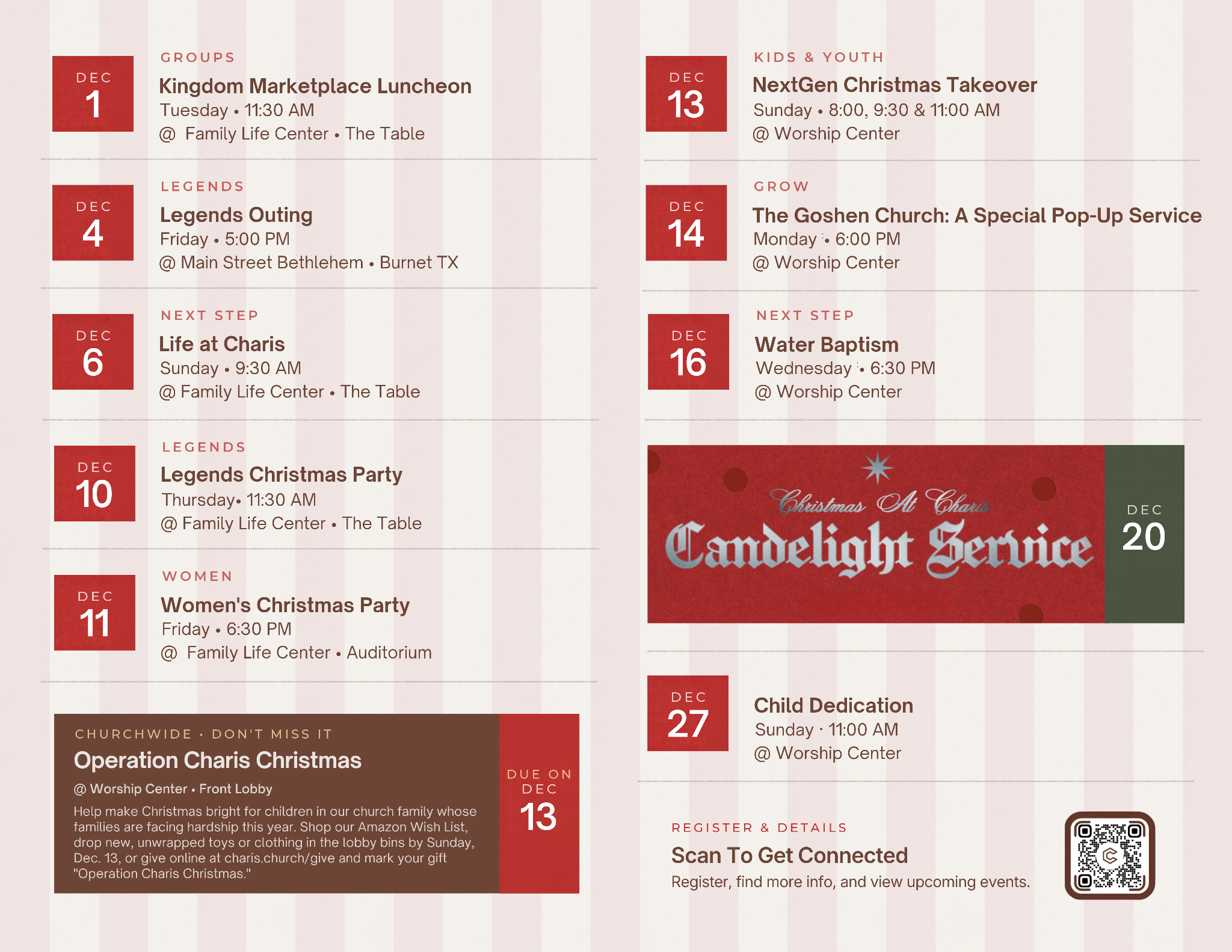
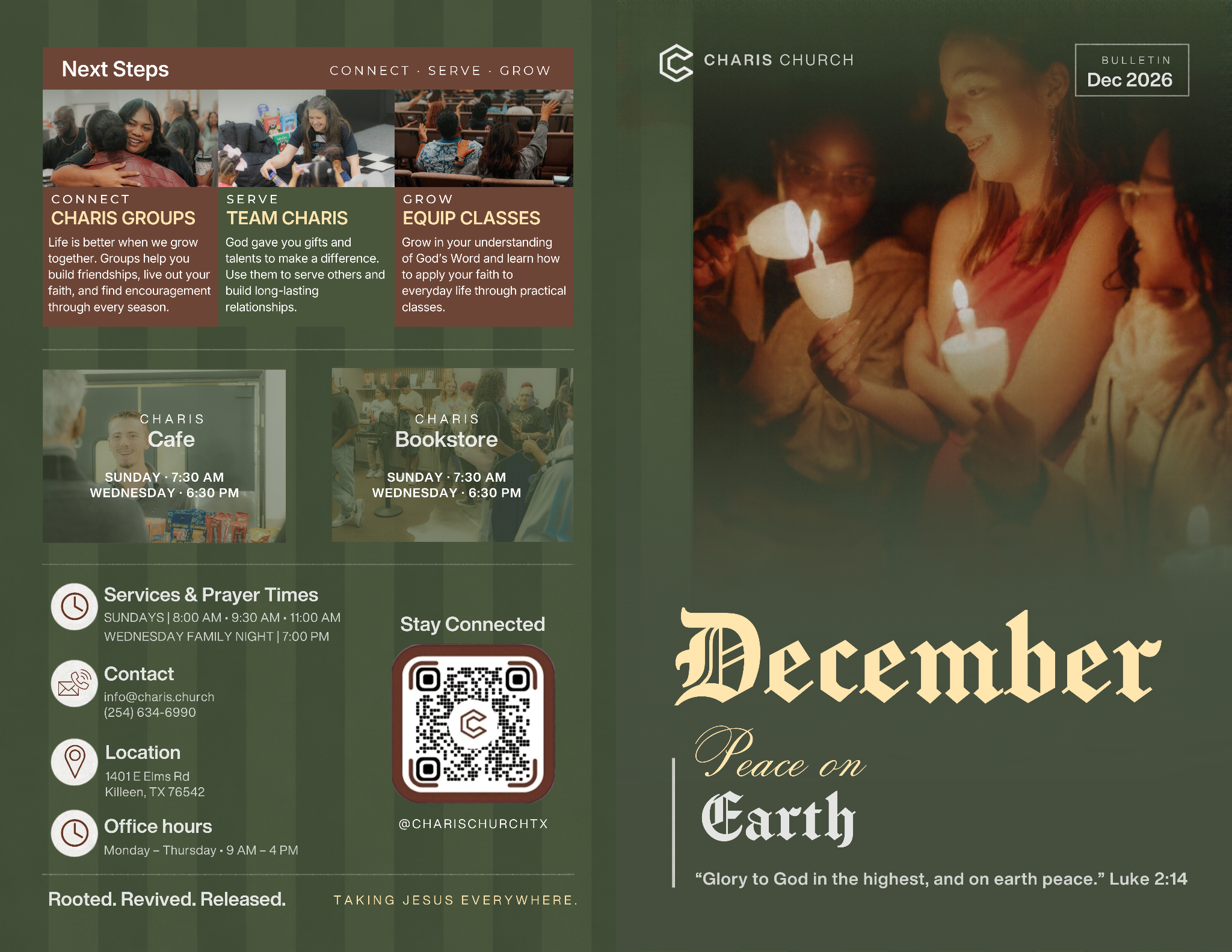
The December 2026 bulletin on one sheet of letter paper: printed front and back, then folded in half into a 4-panel bi-fold. Side 1 is the outside (front and back cover), side 2 is the inside, with this month’s events.
Need a picture to share instead? Save each printed side below as a PNG, or both at once.
How to print it double-sided and fold it
- Tap Download PDF / Print. To keep a copy instead, choose Save as PDF as the printer and print the saved file later with these same settings.
- Choose Letter paper, Landscape, margins None, scale 100% (or “Actual size”), and turn on Background graphics.
- Turn on Print on both sides and pick Flip on short edge (some printers call it “short-edge binding”). This lines the inside pages up behind the cover.
- Printing from an iPhone, iPad or Safari? It may stay on Portrait. That’s fine: each side turns itself to fill the page. Pick Flip on long edge instead.
- No double-sided option? Print only page 1, put the sheet back in the tray flipped over along the short edge (your printer’s tray icon shows which way up), then print page 2.
- Fold the sheet in half down the middle so the cover is on the front.
Side 1 (outside) · back cover + front cover
Side 2 (inside) · inside pages